Tradone is a local-first portfolio dashboard for everything you own: crypto wallets, broker
accounts, PayPal, and your everyday spending, all in one place, without a server ever seeing
your data. Your accounts and balances live encrypted on this device, unlocked only by a
passphrase only you know.
Crypto, with staking includedEthereum, Solana, and more, including staked positions most trackers miss.
Everything in one dashboardAvanza, PayPal, and manual accounts alongside your crypto, with no more tab-switching.
Everyday expenses tooLog spending and see where it actually goes, with category breakdowns.
Encrypted, device-only vaultNothing is ever stored on a server. Not even we can read your data.
Tradone vs. typical portfolio apps
Typical portfolio apps
×Your data lives on their servers
×Sign up with an email, sometimes ID verification
×Subscriptions and feature paywalls are common
×They can see, and sometimes sell, your financial data
×Exporting your own data is often limited
Tradone
✓Your data lives encrypted on your own device
✓No email, no account, just a passphrase only you know
Monitor your crypto and broker positions in one place.
Add wallet addresses, brokerage accounts, and track your current balance at a glance.
Vault unlocked on this device
Total portfolio
USD$
EUR€
GBP£
CAD$
AUD$
JPY¥
CHFFr
SEKkr
$00 accounts connected
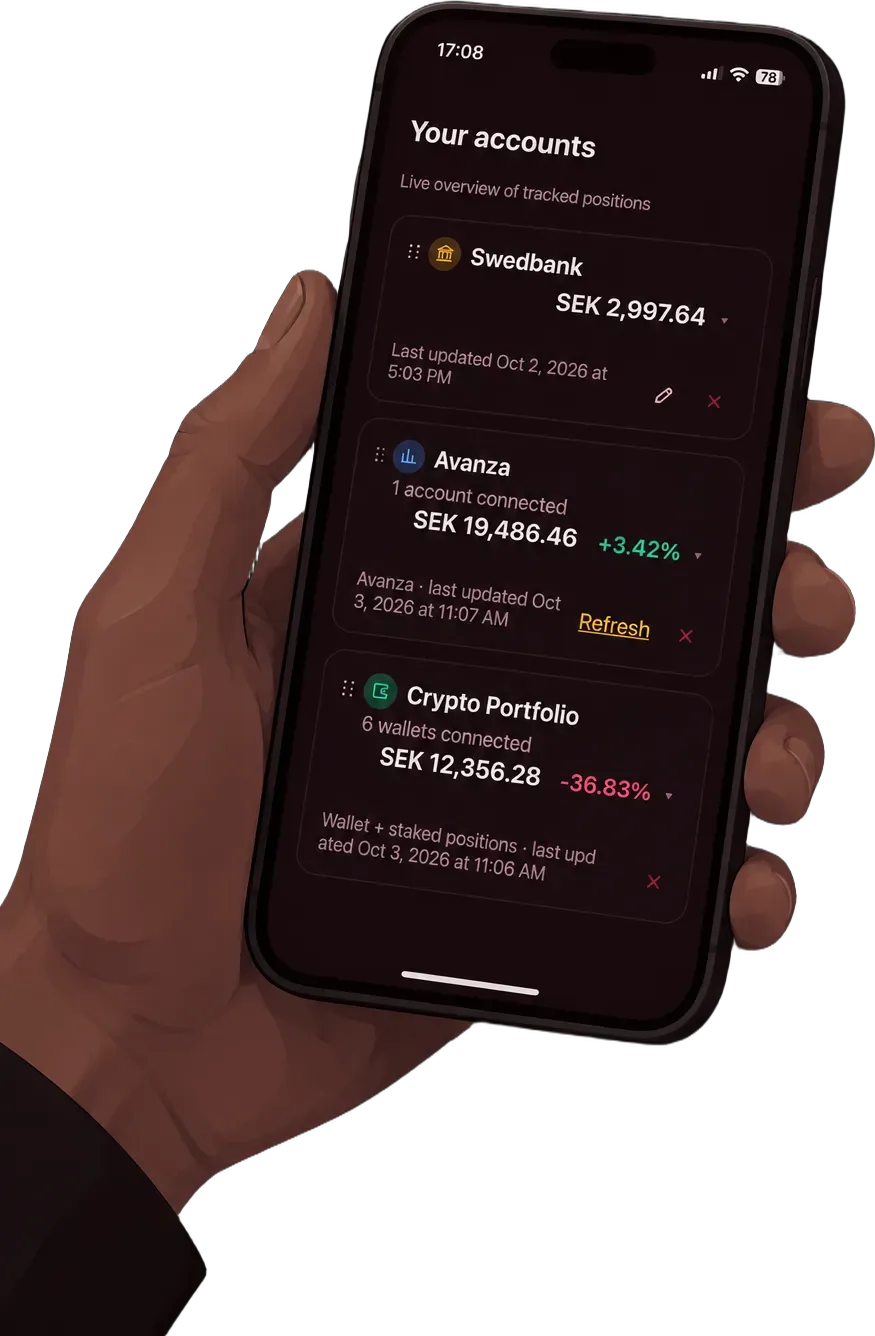
Your accounts
Live overview of tracked positions
Spending overview
Total spent
$0
Total earned
$0
Net
$0
Daily average
$0
Entries
0
Top category
—
Entries
In the selected period, newest first
Spending suggestions
Your plan
Set a target amount above to see your plan.
Target amount
$0
Required savings
$0
Available now
$0
Status
—
Needed paceYour current pace
Display settings
Controls how numbers are formatted across the whole dashboard
Category importance
Used by the Budget tab to tell necessary spending from discretionary — 1 is easiest to cut, 5 is essential. A category you haven't rated yet starts in the middle.
Backup & import
Download every entry as a CSV file, or bring one in from elsewhere — each imported row can be linked to an account, same as adding one by hand.
If you link an account, every imported row adjusts its balance — the same as adding each one by hand.
Move to another device
Downloads your whole account — accounts, wallets, expenses, everything — as an encrypted file. It's useless without your passphrase, even to whoever ends up holding the file, so it's safe to move by email, USB, or a cloud drive. On the new device, pick "Restore from a backup file" on the sign-up screen and enter this same passphrase.